Taking a look at the new ActiveCampaign Automations Builder
ActiveCampaign has been working hard to improve the automation building experience, with a cleaner, faster interface, as well as in improved Action search. In this blog I will take a look at some of the features which I think will offer you the biggest wins. How do I try the new builder experience? The first question is, how can you switch this on in your account. The new builder is available on all plans and to access it, all you need to do is go to an existing (or new) automation and toggle the switch that will
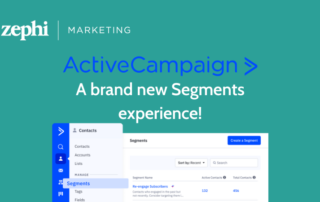
Manage your ActiveCampaign segments in one place with the New Segment builder!
One of the most recent updates to the ActiveCampaign Marketing Automation CRM is their new and improved Segment builder. Where before you had to create your segments against each List, your segments can now all be created in one area, allowing you to access and edit them much more easily. And you can easily Convert your existing Segments as well, but more on that later. What are Segments? In short, segmentation refers to the process of dividing your contacts into smaller, more specific audiences – or Segments – which meet specified criteria. Using Segments allows you to
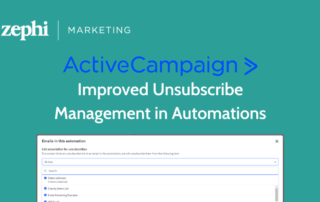
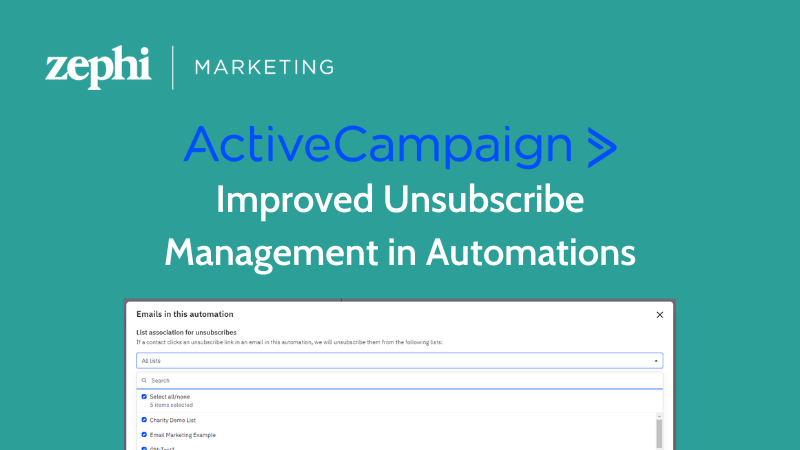
Improved Unsubscribe management in Automations
They have been extremely hard at work over at ActiveCampaign, and here is yet another new feature to help you make the most out of your marketing automations! Up until this release, when a contact clicked on the unsubscribe link in an automation email, they were unsubscribed from all lists there were in. This was extremely unhelpful, as it meant you could lose the ability to communicate with your contacts, even if they only wanted to unsubscribe from a particular funnel. But no more! 😊 You can now manage which List – or Lists – a contact unsubscribes from
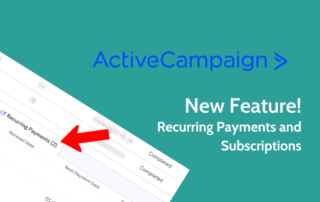
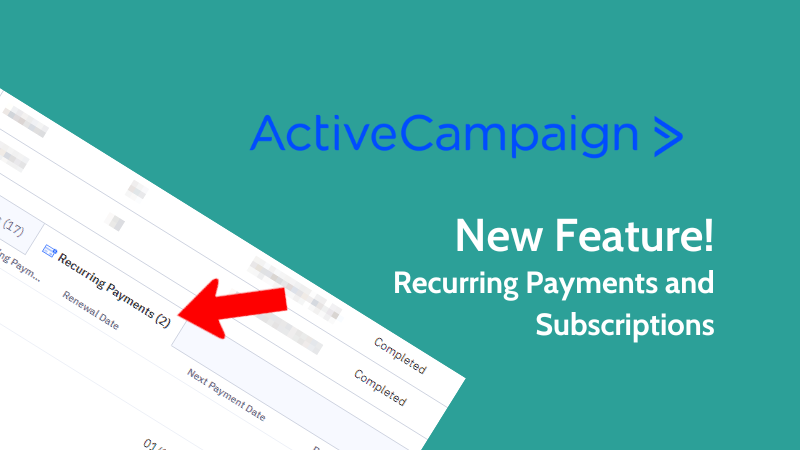
Recurring Payment information now included in ActiveCampaign WooCommerce integration
Being able to integrate your WooCommerce store with ActiveCampaign is nothing new. ActiveCampaign has supported an integration with WooCommerce for many years, whereby you have been able to sync details of orders placed on your website directly into the contact records, allowing you to trigger automations on new purchases, manage abandoned carts and more. However, until now, this integration only covered one-off purchases, not automatically recurring payments through WooCommerce Subscriptions. This meant you needed to find other ways to communicate with those customers. Excitingly, this has now all changed! ActiveCampaign has just launched an update to their integration which
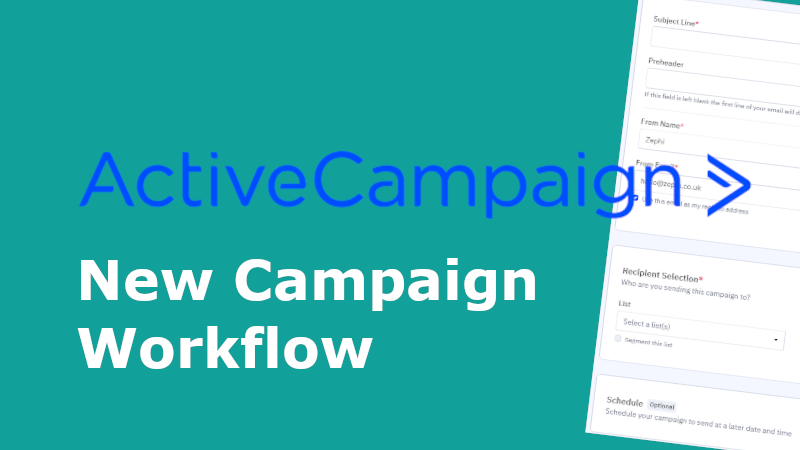
A look at ActiveCampaign’s new campaign workflow
Not long ago, ActiveCampaign changed the campaign creation workflow in order to help save us marketeers time and clicks when creating those all-important campaigns. In this article, we will take a closer look at the workflow and how it has changed. But first, what do we mean by campaign workflow? What is a campaign workflow? Quite simply, a campaign workflow is the process of planning, designing, and sending an email campaign. These are all the steps you always need to take to set up and send your campaigns, but until the change, ActiveCampaign’s campaign workflow consisted of a very

Hashtag Hero: Mastering the Art of Hashtags in Social Media
How To Effectively Use Hashtags Hashtags are more than just colourful sprinkles on your social media posts. They're powerful tools that can unlock a world of engagement, visibility, and community building. But with so many hashtags out there, how do you navigate the landscape and use them effectively? Fear not, fellow social media enthusiast, for we are here to guide you on your path to hashtag mastery! Why Hashtags Matter: Think of hashtags as signposts in the vast social media forest. They help people discover your content by categorising it and directing them to relevant conversations. Using the right hashtags